Make a free, to-scale evacuation plan from a plain description
Describe your office, school, or shop floor and instantly get a to-scale evacuation plan showing exits, escape routes, fire equipment, and assembly points — free, online, no signup.
Free · no signup · no credit card · hourly fair-use limits
An evacuation plan is the to-scale floor map that shows everyone in a building how to get out fast and where to gather once they are clear. Describe your space in plain English and get a clean, to-scale layout with marked exits, escape routes, fire equipment, and an assembly point — ready to post on the wall.
Make a evacuation plan maker in four steps
Describe the space
Type your building or floor in plain English — dimensions, rooms, where the exits are, and where people should gather outside.
We lay it out to scale
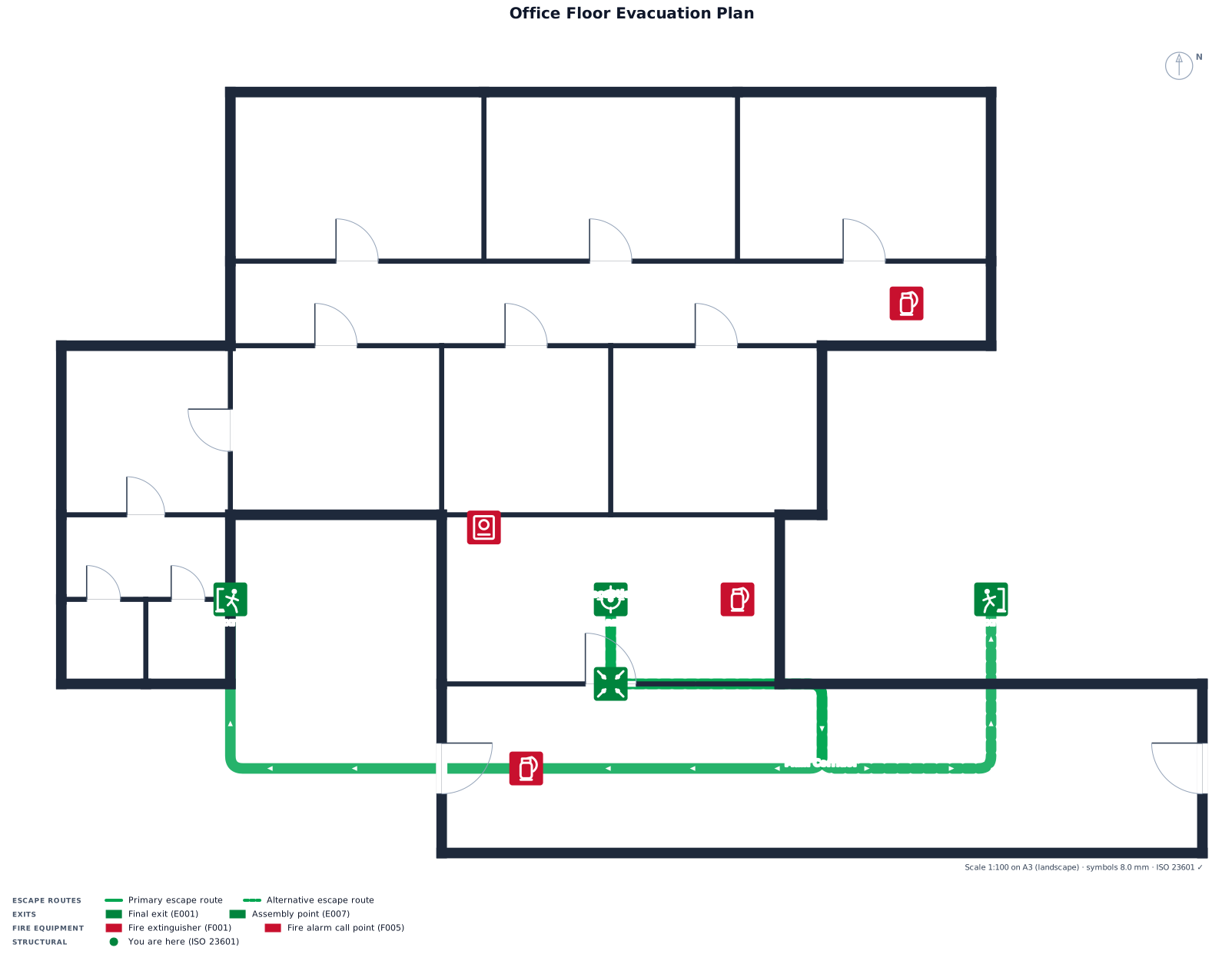
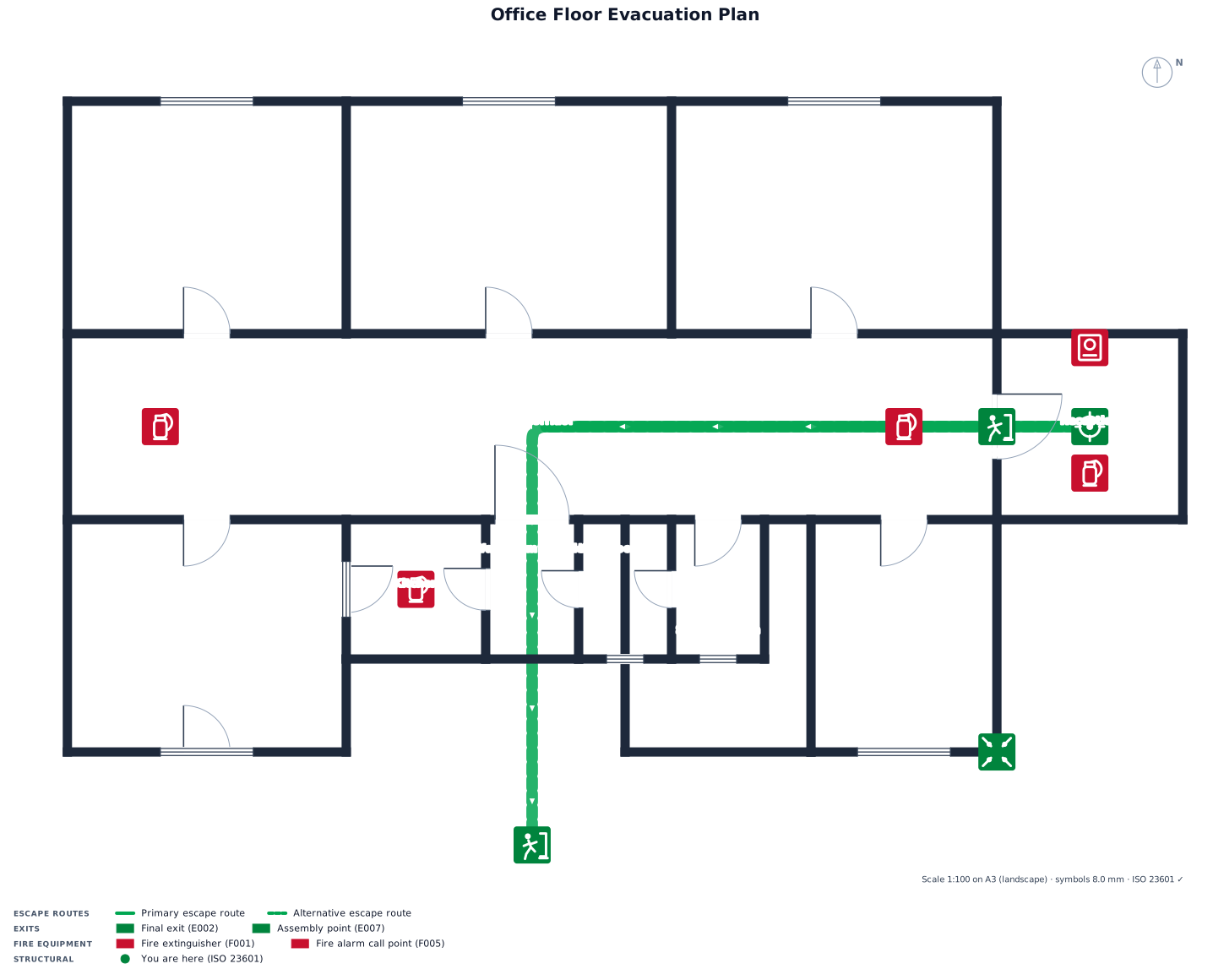
FloorPlanMaker reads your description and draws a to-scale floor plan with rooms, corridors, exits, escape routes, and fire equipment placed clearly.
Review the plan
Check the layout against the real space — confirm every exit, route arrow, and assembly point is correct, then tweak your wording and regenerate as needed.
Download it
Export the finished evacuation plan as an SVG or PNG to print, post on the wall, or drop into your safety documents.
See 45 real examples
Compare finished results with the prompts behind them, then bring one back here as your starting point.
Explore the collection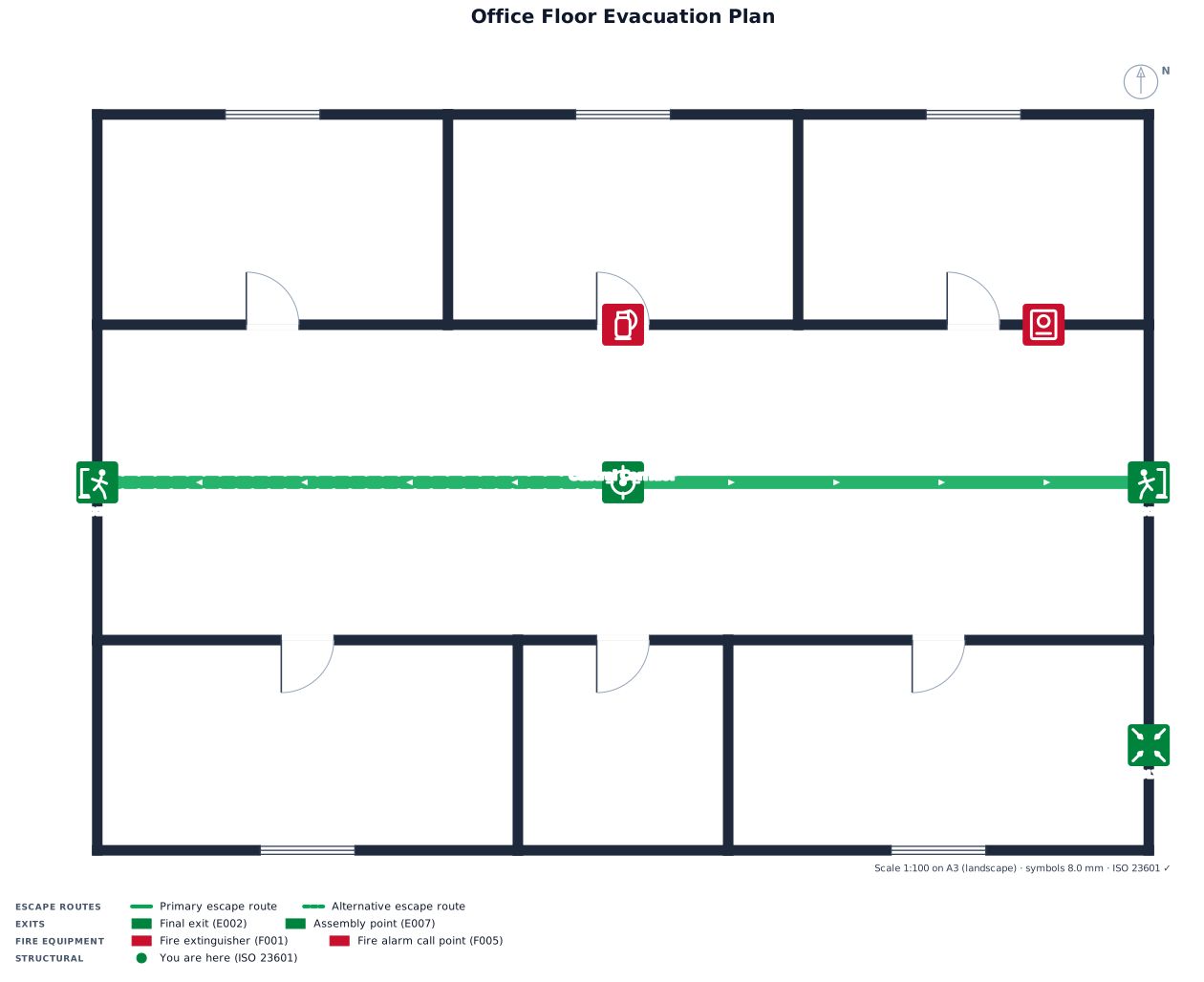
About evacuation plan makers
An evacuation plan is a to-scale floor map that shows building occupants the quickest safe way out and where to assemble afterwards. You see it posted in office lobbies, school hallways, hotel rooms, restaurants, and shops — usually a simple top-down layout with a clear "You are here" marker, green arrows tracing escape routes to the nearest exits, and symbols for fire extinguishers, alarms, hose reels, and first-aid points. People make one when fitting out a new space, preparing for a fire drill or safety inspection, meeting workplace health-and-safety requirements, or simply replacing a confusing hand-drawn map. A good evacuation plan gets a few things right: it is drawn to scale so distances and door widths read true, it uses standard, recognizable safety symbols rather than ad-hoc icons, it keeps escape routes uncluttered, and it shows at least two ways out of every area wherever possible. To describe yours well, give the overall dimensions, list the rooms and the corridor or hallway that links them, say exactly where each exit is, and name the outdoor assembly point — the more concrete the counts and placements, the cleaner the result. You do not need CAD skills or any drawing software: just write what the space looks like and FloorPlanMaker renders the to-scale layout for you. Every plan downloads as a crisp SVG or PNG you can print, post, or paste into your emergency procedures, and the tool is completely free and hourly fair-use limited — no signup, no watermark, no install.
Frequently asked questions
Is the evacuation plan maker free?
Yes. FloorPlanMaker is completely free and hourly fair-use limited — generate as many evacuation plans as you need with no charge, no trial limit, and no watermark.
Do I need to sign up or install anything?
No. It runs entirely in your browser — there is no account to create, nothing to download, and no install. Just describe your space and generate.
What kind of evacuation plans can I make?
Anything from a small shop or apartment to an office floor, restaurant, or school wing — with rooms, corridors, marked exits, escape routes, fire equipment, and assembly points.
Do I need CAD skills or drawing software?
Not at all. You describe the building in plain English — dimensions, rooms, and exits — and the tool draws the to-scale layout for you automatically.
Can I download and edit the plan?
Yes. Export your plan as an SVG or PNG to print or share. To change it, edit your description and regenerate, or adjust the exported file in any editor.
Are these plans certified for fire-code compliance?
No. These are clear, to-scale planning layouts to help you communicate routes and exits — they are not certified or construction-ready drawings. Have a qualified professional review plans for official code compliance.