Make a to-scale office floor plan for free, just by describing it
Type out your workspace — desks, meeting rooms, reception, break area — and get a clean, to-scale 2D office floor plan in seconds. Free, hourly fair-use limited, and no signup required.
Free · no signup · no credit card · hourly fair-use limits
Planning an office fit-out, a desk move, or a return-to-office layout? An office floor plan maker turns a plain-English description of your workspace into a clear, to-scale 2D plan — so you can see how workstations, meeting rooms, and shared areas fit before anyone moves a single desk.
Make a office floor plan maker in four steps
Describe the space
Type the office dimensions and what it holds — number of desks, meeting rooms, reception, break area — in plain English.
We lay it out to scale
FloorPlanMaker reads your description and arranges walls, doors, workstations, and rooms into a to-scale 2D plan.
Review the plan
Check the layout, room sizes, and desk placement. Edit your description and regenerate until the office plan fits.
Download it
Export your finished office floor plan as an SVG or PNG to share with colleagues, facilities, or a contractor.
See 65 real examples
Compare finished results with the prompts behind them, then bring one back here as your starting point.
Explore the collection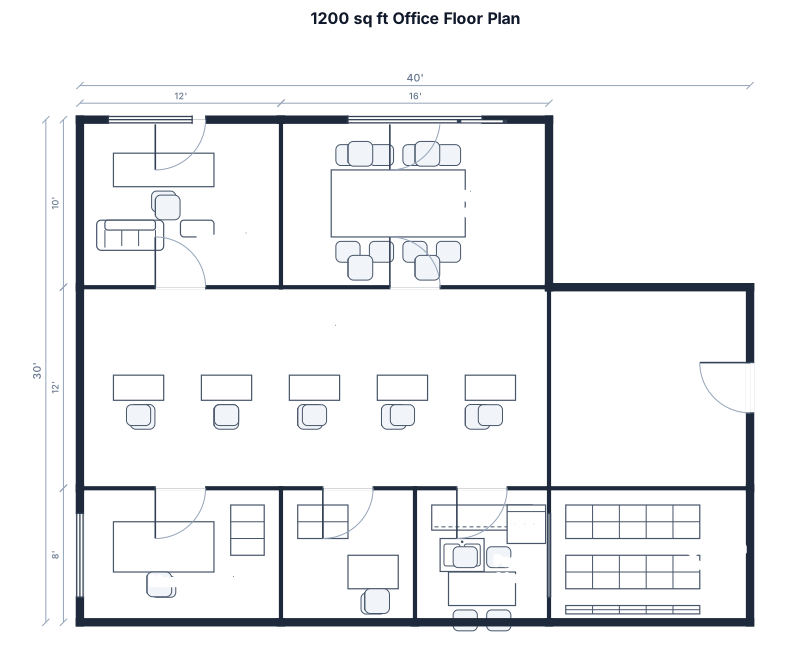
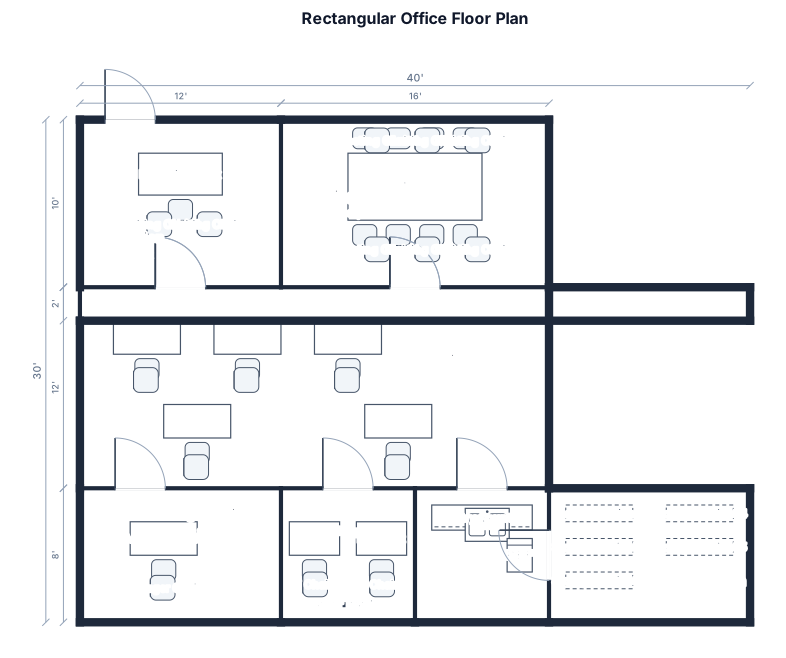
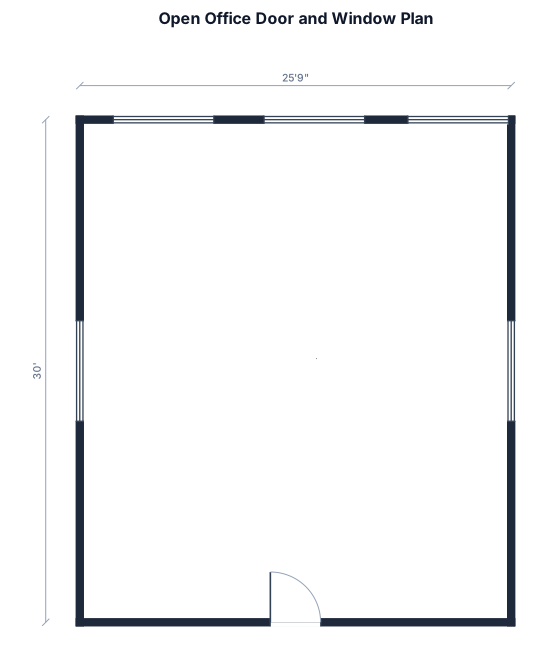
About office floor plan makers
An office floor plan is a to-scale 2D drawing of a workspace seen from above, showing walls, doors, windows, and the placement of desks, meeting rooms, reception, and shared areas. People make one when they are planning a fit-out, moving to a new space, reorganizing teams, or working out how many people a floor can comfortably seat. A good office plan starts with accurate overall dimensions and stays to scale, so the relationship between desks, walkways, and rooms is honest rather than guessed. It uses clear, standard symbols — rectangles for desks, swing arcs for doors, breaks in walls for openings — so anyone can read it at a glance. As a rule of thumb, allow roughly 4 to 6 square metres per open-plan workstation including circulation, keep main walkways around a metre wide, and group desks into pods so power and cabling stay simple. The most common mistakes are cramming in too many desks, forgetting circulation space, and placing noisy areas like the break room or phone booths next to focus work. To describe your office well, give the overall size first (for example 16 by 10 m), then list what it contains and roughly how it should be grouped: how many workstations, how many meeting or huddle rooms, whether there is a reception, a kitchen or break area, and any storage. You do not need any CAD skills — FloorPlanMaker does the drawing for you from plain English. Every plan is downloadable as an SVG or PNG, and the tool is completely free and hourly fair-use limited with no signup.
Frequently asked questions
Is the office floor plan maker free?
Yes. FloorPlanMaker is completely free and hourly fair-use limited — you can generate as many office floor plans as you like at no cost.
Do I need to sign up or install anything?
No. There is no signup and nothing to install. It runs in your browser — just describe your office and generate the plan.
What kind of office layouts can I make?
You can make open-plan offices, startup and agency spaces, corporate floors with desk pods, home offices, and layouts with meeting rooms, reception, and break areas.
Do I need CAD skills to use it?
Not at all. You describe the space in plain English — dimensions, desks, rooms — and the tool draws the to-scale plan for you. No CAD or design experience needed.
Can I download and edit my office floor plan?
Yes. You can export your plan as an SVG or PNG to share or edit, and you can refine the description and regenerate anytime to adjust the layout.
Are these plans construction-ready?
No. These are clear, to-scale planning layouts for visualizing and communicating an office arrangement — not stamped construction or building-permit drawings.