Design a to-scale restaurant floor plan for free
Describe your dining room, bar, kitchen, and restrooms in plain English and get an instant, to-scale 2D floor plan. Free, hourly fair-use limited, and no signup needed.
Free · no signup · no credit card · hourly fair-use limits
A restaurant floor plan maps how your dining room, bar, kitchen, and service areas fit together so guests flow smoothly, staff move efficiently, and every seat earns its space. Whether you are pitching a new concept, reworking an existing dining room, or planning seating capacity, describe the space in plain English and get a clear, to-scale layout in seconds.
Make a restaurant floor plan maker in four steps
Describe the space
Type a plain-English description of your restaurant — seat count, table mix, bar, kitchen, restrooms, and any patio or waiting area.
We lay it out to scale
FloorPlanMaker turns your description into a to-scale 2D floor plan with walls, doors, tables, and fixtures placed sensibly.
Review the plan
Check the dining flow, table spacing, and back-of-house layout, then refine your description to adjust counts, rooms, or proportions.
Download it
Export your finished restaurant floor plan as an SVG or PNG to share with partners, designers, or your team — free and hourly fair-use limited.
See 118 real examples
Compare finished results with the prompts behind them, then bring one back here as your starting point.
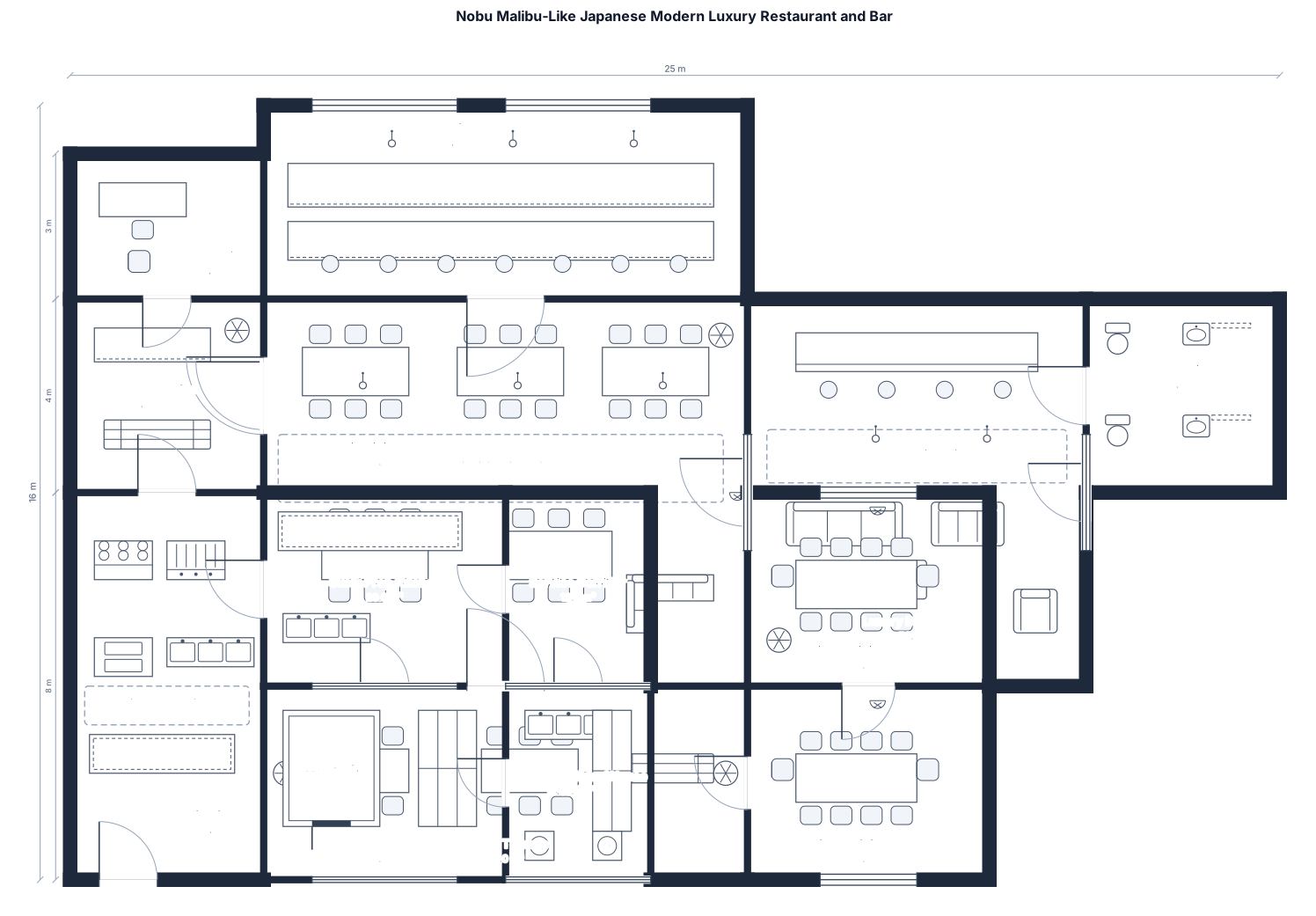
Explore the collection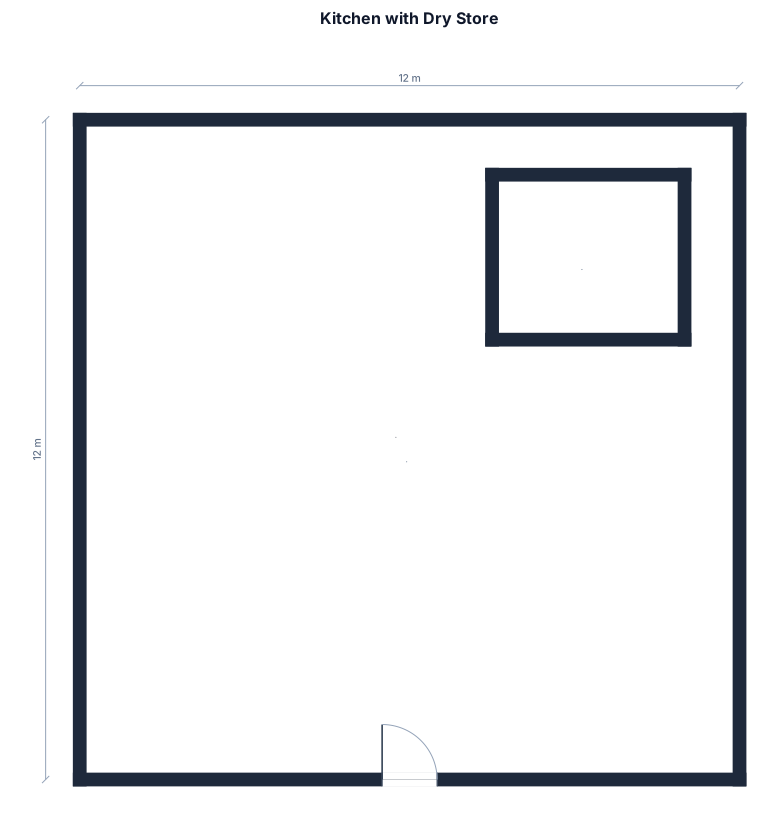
About restaurant floor plan makers
A restaurant floor plan is a to-scale 2D drawing of your dining and service space — the dining room, bar, kitchen, restrooms, host stand, and circulation paths between them. People make one when opening a new venue, reconfiguring an existing dining room, planning seating capacity, or communicating a concept to investors, landlords, contractors, and staff. A good restaurant floor plan starts with accurate scale: tables, chairs, and aisles are drawn at real proportions so you can trust the seat count and verify that guests and servers have room to move. As a rule of thumb, fine dining allows roughly 18–20 sq ft per seat, casual dining 12–15, and bar or counter seating less. Standard symbols for tables, doors, and fixtures make the plan instantly readable to anyone. The most common mistakes are cramming in too many seats, forgetting clear paths to restrooms and exits, and undersizing the kitchen and back-of-house. To describe your space well, name the seat count, the mix of 2-tops, 4-tops, booths, and round tables, the bar, the kitchen, restrooms, and any patio or waiting area. You do not need any CAD skills or expensive software — just write what you want in plain English and FloorPlanMaker lays it out for you, free and hourly fair-use limited, right in your browser. Export the result as an SVG or PNG to share or mark up.
Frequently asked questions
Is the restaurant floor plan maker free?
Yes. FloorPlanMaker is completely free and hourly fair-use limited — you can generate as many restaurant floor plans as you like at no cost, with no trial or credit card required.
Do I need to sign up or install anything?
No. There is no signup, login, or download. The restaurant floor plan maker runs entirely in your browser, so you can describe your space and get a layout instantly.
What kind of restaurant layouts can I make?
Anything from a small 24-seat bistro to a 90-seat family restaurant — dining rooms, bars, open or commercial kitchens, booths, patios, host stands, and restrooms, all from a plain-English description.
Do I need CAD skills or design experience?
Not at all. You just describe the space in everyday language — seat counts, table types, the bar, the kitchen — and the tool produces a clean, to-scale layout for you automatically.
Can I download and edit the floor plan?
Yes. You can export your restaurant floor plan as an SVG or PNG to share or mark up, and refine the layout anytime by adjusting your description and regenerating.
Is the plan construction-ready?
No. These are clear, to-scale planning layouts for concepting, seating, and communication — not stamped architectural or construction drawings. Have a licensed professional prepare permit-ready plans.