Free Warehouse floor plan
Describe dimensions, capacity, fixed constraints, and the spaces that must connect. Generate an editable conceptual 2D layout and download SVG or PNG — free, no signup.
Free · no signup · no credit card · hourly fair-use limits
Use this warehouse floor plan to compare receiving and staging, storage aisles, pick and pack, shipping and support before committing to a detailed design. A specific operational brief produces a more useful first layout.
How to create a warehouse floor plan
Set the boundary
Enter the overall dimensions, entrances, fixed walls, columns, windows, and service points that constrain the layout.
Describe capacity and zones
List the required people, rooms, fixtures, or equipment, then identify receiving and staging, storage aisles, pick and pack, shipping and support.
Explain the flow
State the key relationships: dock locations, one-way material flow, aisle widths and equipment, staging capacity. Mention spaces that must connect or stay separate.
Generate and verify
Compare the conceptual plan with real measurements and operational requirements, revise one constraint at a time, then download SVG or PNG.
See 222 real examples
Compare finished results with the prompts behind them, then bring one back here as your starting point.
Explore the collection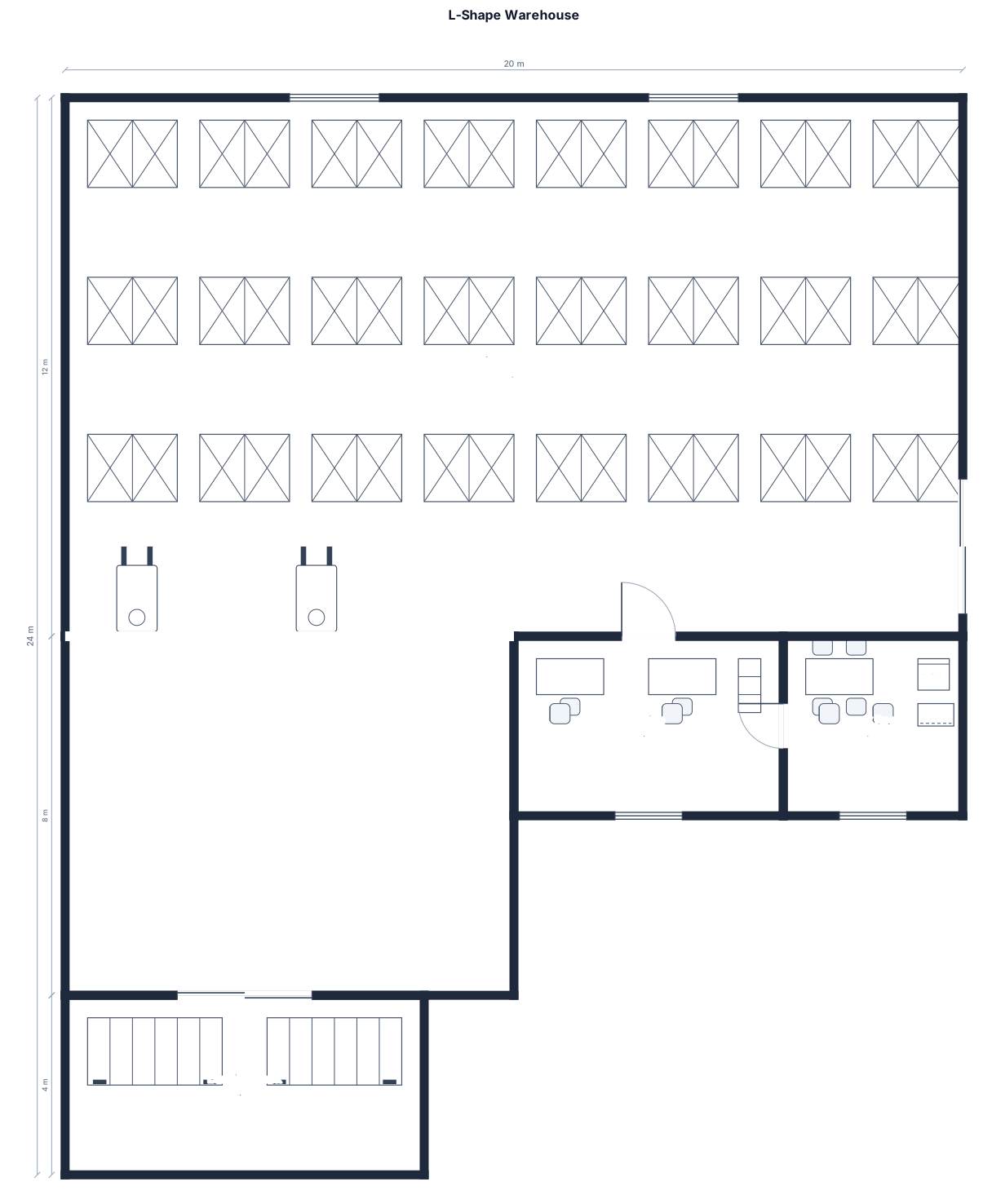
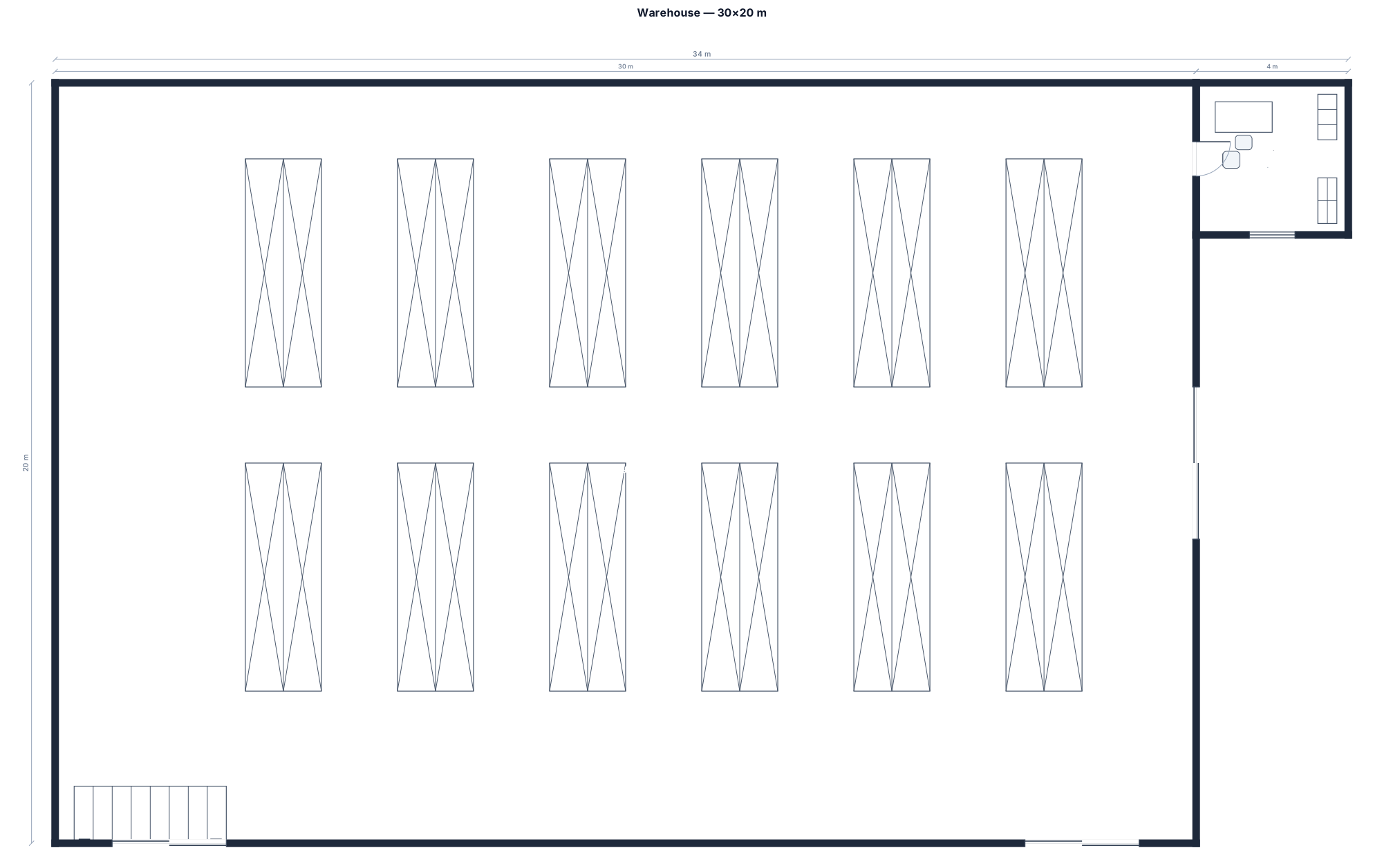
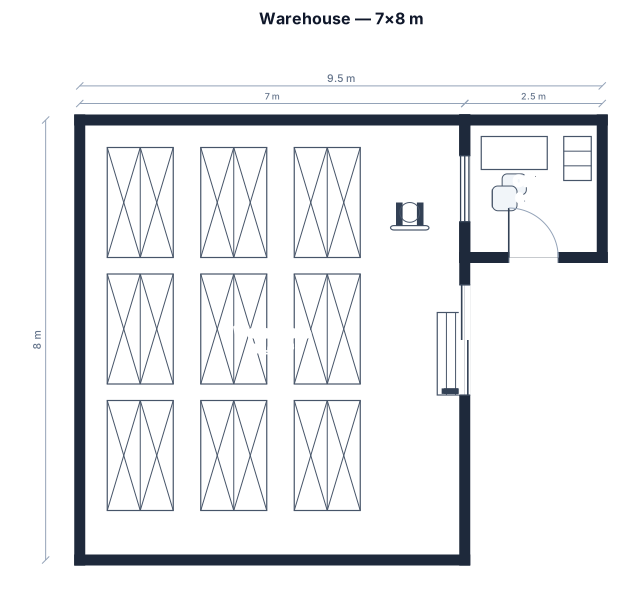
Plan a more workable warehouse floor plan
A useful warehouse floor plan starts with operations, not decoration. This page is for warehouse operators testing storage and material-flow concepts. Begin with the outside dimensions, capacity, entrances, fixed walls, and any columns or service points that cannot move. Then describe the main zones: receiving and staging, storage aisles, pick and pack, shipping and support. Giving those constraints in plain English helps the generator make a plan that can be discussed instead of a generic rectangular room.
The strongest brief also explains relationships. Decide dock locations, one-way material flow, aisle widths and equipment, staging capacity. Say which spaces must touch, which should stay apart, where people or materials enter, and where congestion is most likely. Include counts for seats, stations, rooms, fixtures, vehicles, racks, or work points. If a dimension is uncertain, label it approximate rather than inventing precision. Generate one option, identify the biggest conflict, and change one constraint at a time so alternatives remain comparable.
FloorPlanMaker creates a conceptual 2D planning layout and lets you download SVG or PNG without signup. It is useful for early planning, stakeholder conversations, and a clearer design brief. It is not a survey, code analysis, accessibility certification, structural design, permit drawing, or construction document. Verify dimensions, exits, clearances, utilities, fire protection, equipment requirements, and local rules with qualified professionals before relying on the plan. The goal is to expose layout tradeoffs early, when changing the brief is still inexpensive.
Frequently asked questions
Is this warehouse floor plan free?
Yes. You can generate and download conceptual layouts without an account, subject to hourly per-IP fair-use limits.
What should I include in the description?
Include dimensions, capacity, fixed constraints, entrances, and the main zones: receiving and staging, storage aisles, pick and pack, shipping and support.
Can I edit the generated layout?
Revise the written constraints and generate another option. Download SVG for further editing or PNG for quick sharing.
Is the result ready for permits or construction?
No. It is an early planning diagram. A qualified professional must verify code, structure, accessibility, utilities, and construction details.