Free floor plan maker — describe it, get a to-scale plan
Describe a room, a home, a classroom, or an event space in plain English and get a clean, to-scale 2D floor plan in seconds — walls, doors, windows, and furniture placed for you. Always free, no signup, no CAD skills needed.
Free · no signup · no credit card · daily fair-use limits
A floor plan turns a space you can describe into a scaled drawing you can share, measure, and plan around. Whether you are arranging a classroom, laying out a wedding, or furnishing an apartment, this free floor plan maker builds it from a single sentence — no software to install and no account to create.
Make a floor plan in four steps
Describe the space
Type what you want in plain English — the rooms, rough dimensions, and what goes inside. One sentence is enough to start.
We lay it out to scale
Your description becomes a to-scale 2D plan: walls, doors, windows, and furniture, with rooms sized and arranged for you.
Review the plan
In seconds you get a clean floor plan with standard architectural symbols and computed room areas. Reword anything to adjust it.
Download it
Save a sharp SVG or a high-resolution PNG to share, print, or drop into a document.
See 819 real examples
Compare finished results with the prompts behind them, then bring one back here as your starting point.
Explore the collection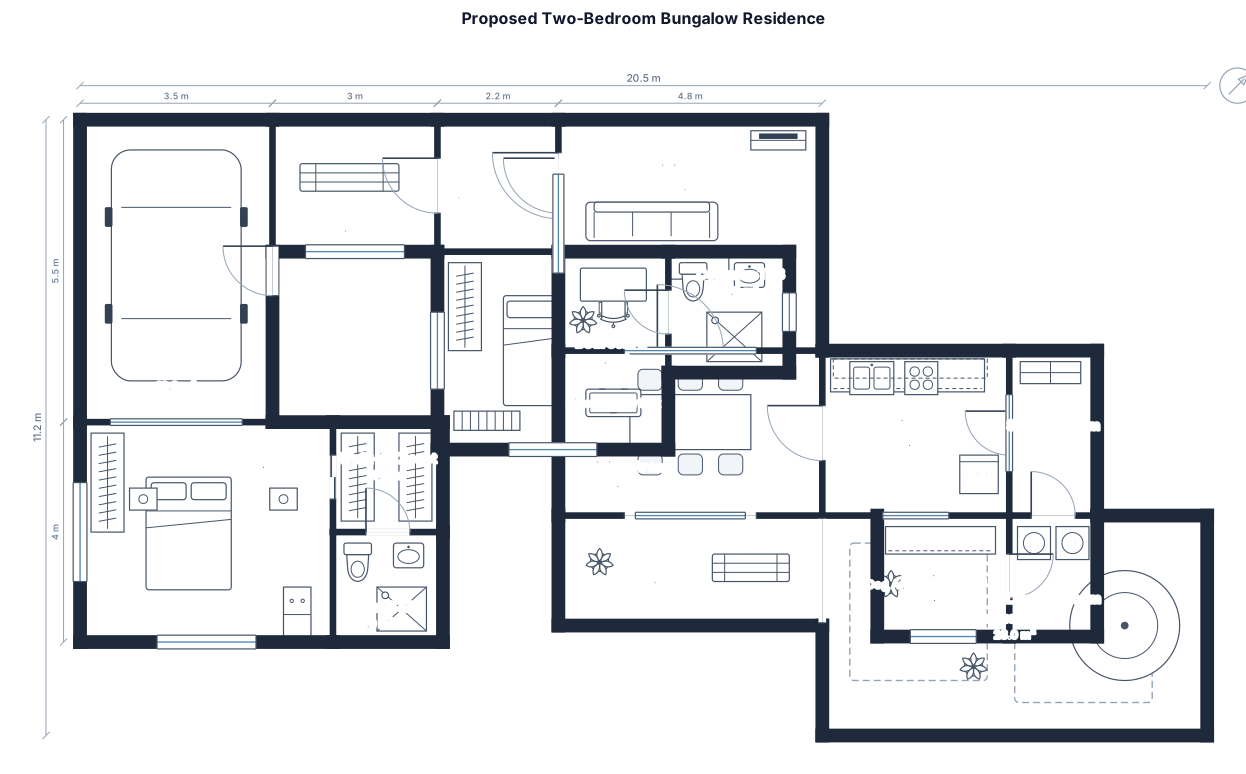
What a floor plan is — and how to make a good one
A floor plan is a scaled, top-down drawing of a space — rooms and walls seen from above, with doors, windows, and furniture in their real positions. People reach for one whenever a layout has to be decided before anything is built or moved: arranging desks in a classroom, seating guests at a wedding, furnishing an apartment, or fitting a counter and tables into a small cafe.
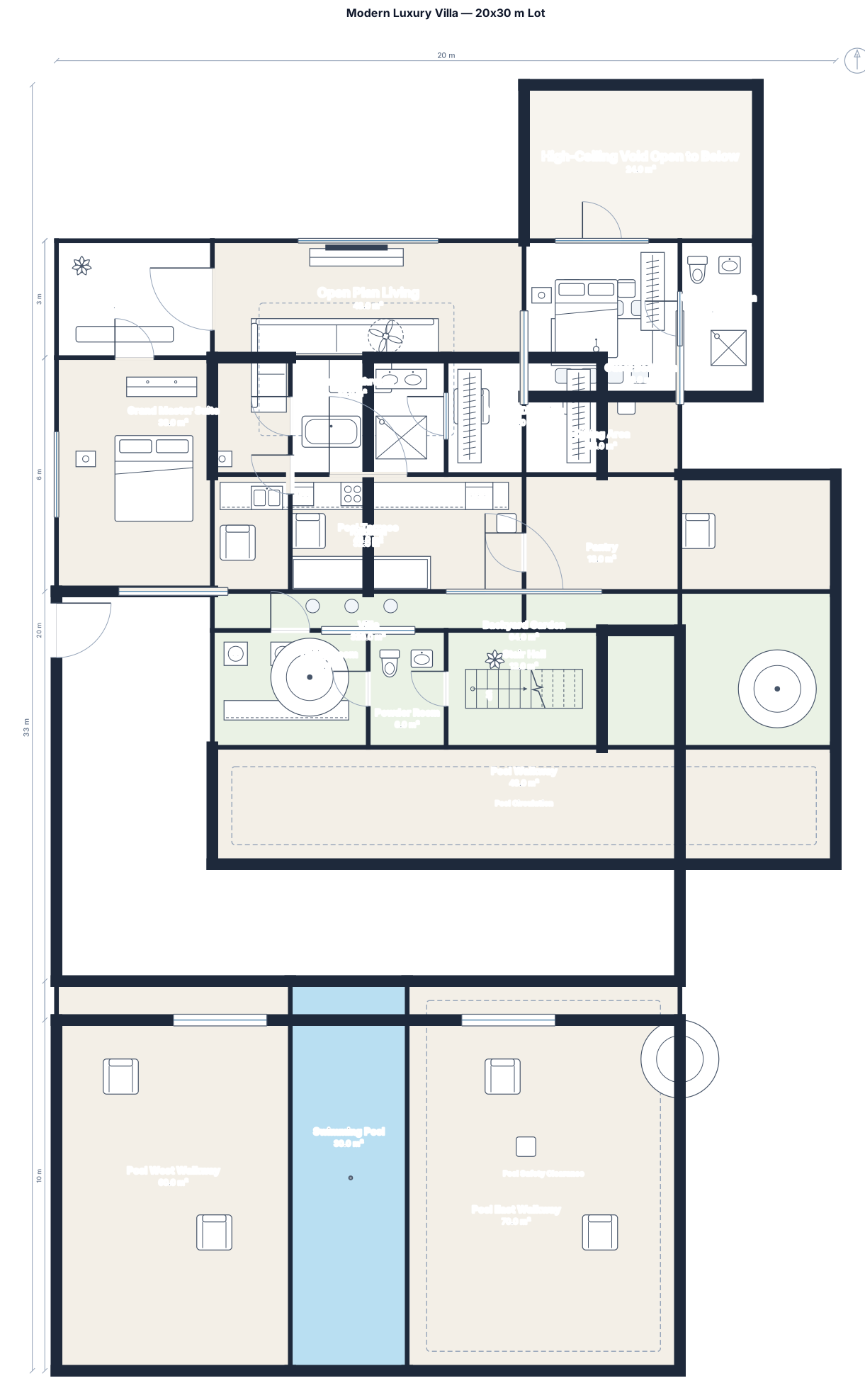
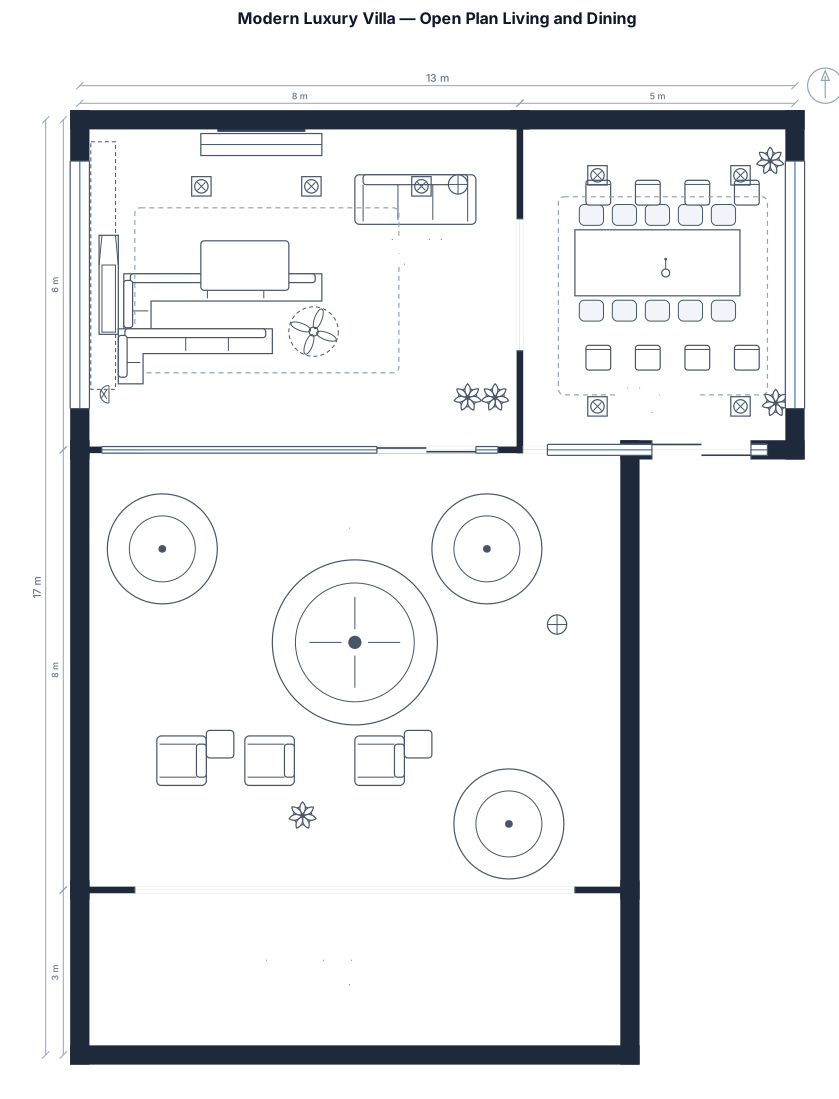
Two things make a plan useful: scale and clear symbols. Scale means every wall and gap is drawn in proportion, so 27 desks really do fit the room and a 1.2 m doorway reads as 1.2 m. Standard symbols — a door drawn with its swing arc, a window as a break in the wall, a bed or a round table as a recognisable shape — let anyone read the plan without a legend.
To get a good result, describe the space the way you would to a person: give rough dimensions (a 32 by 26 ft classroom, a 68 sqm apartment), say how many of each item you need (27 desks, 15 round tables of 8), and name the rooms. You do not need any drawing software or CAD experience — this maker handles the scale, the wall thickness, the door swings, and the furniture placement for you, and you can download the finished plan as an SVG or PNG. It is free and hourly fair-use limited, so you can redraw with different sizes or counts as many times as you like.
Frequently asked questions
Is this floor plan maker really free?
Yes — completely free, hourly fair-use limited, with no signup, no credit card, and no watermark. The site is funded by ads, so it stays free for everyone.
Do I need to sign up or install anything?
No. There is no account and nothing to download — it runs in your browser. Describe the space, generate the plan, and download it.
What kinds of floor plan can I make?
Homes and apartments, classroom seating charts, wedding and event layouts, and small commercial spaces like cafes, shops, salons, and offices — anything that fits in measurable rooms.
Do I need CAD or design skills?
Not at all. If you can describe the space in a sentence — rooms, sizes, and what goes in them — you can make a plan. There is nothing to drag, draw, or line up by hand.
Can I download and edit the plan?
Yes — download a sharp SVG or a high-resolution PNG. To change the layout, reword your description with different dimensions, counts, or rooms and generate again.
Are these construction-ready blueprints?
No — they are clear, to-scale planning layouts for space planning, seating, and visualization, not stamped construction documents. For a build, have a licensed professional review and detail the plan.
More free floor plan tools
Open a dedicated maker for the layout you need — each is free, hourly fair-use limited, and needs no signup.
Free AI floor plan generator
Describe dimensions, capacity, fixed constraints, and the spaces that must connect. Generate an editable conceptual 2D layout and download SVG or PNG — free, no signup.
Make a to-scale room layout from a simple description
Describe the room size, openings, and furniture you need. FloorPlanMaker turns it into a measured 2D layout you can review and download — free, browser-based, and no signup required.
Free House floor planner
Describe dimensions, capacity, fixed constraints, and the spaces that must connect. Generate an editable conceptual 2D layout and download SVG or PNG — free, no signup.
Classroom floor plan creator
Describe your classroom dimensions, desk count, board, storage, and learning zones to create a scaled 2D classroom floor plan. Free, no signup; hourly fair-use limits apply.